
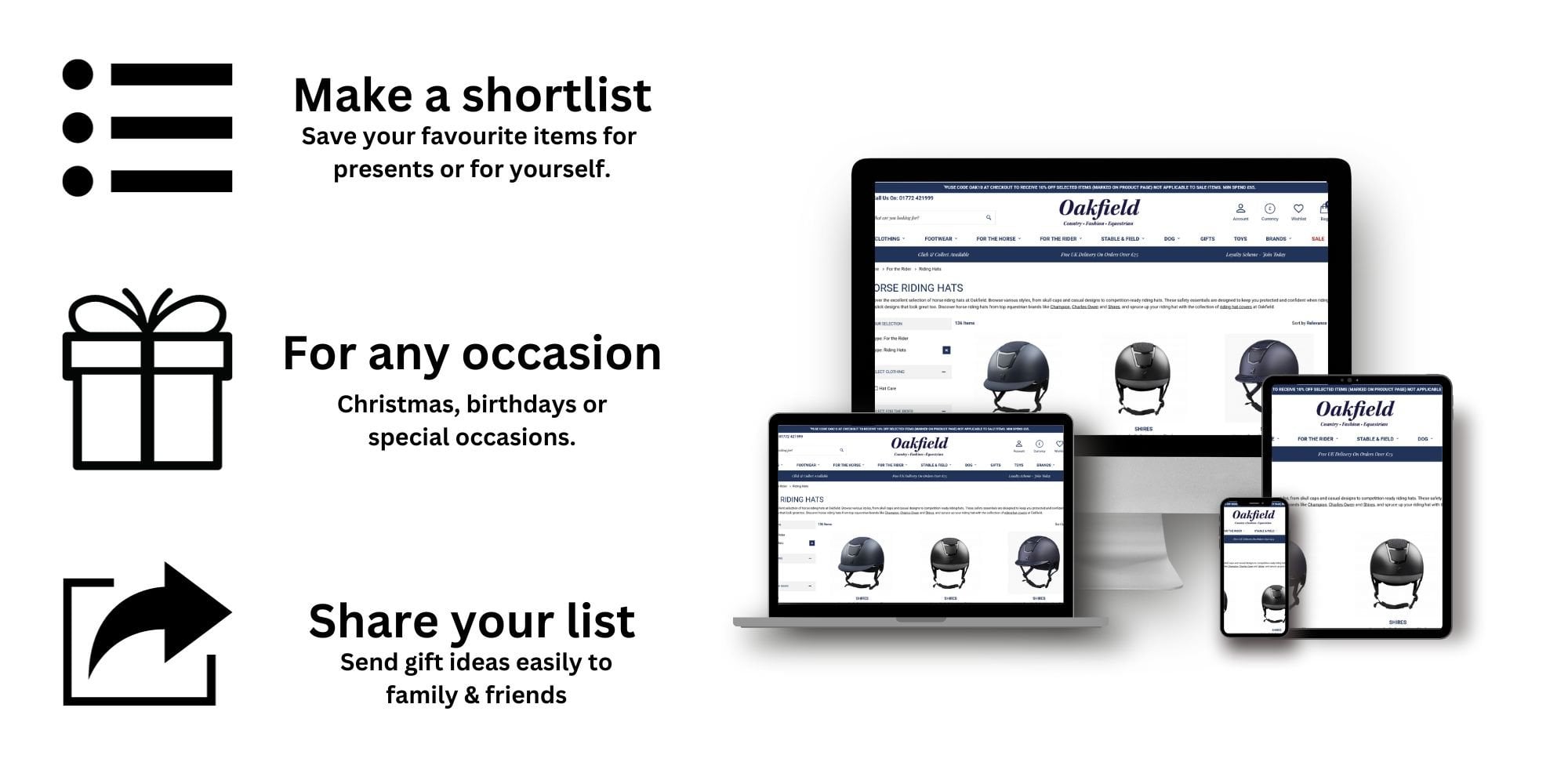
Have you seen something you like? Make a Gift List for any occasion and share it quickly with your friends and family.
How do I create a wish list?
You can create a wish list by selecting ‘Add to wish list’ on a product page. All you need is an online Oakfield account.
On the Oakfield website, you can access your wish lists by tapping on the 'Wishlist' icon found at the top of the page.
If viewing from a mobile or table you can access your wish list by selecting 'Menu' and then 'Wishlist'
How do I share a wish list & who can see it?
A wish list can be shared by email. Only people with the link can view your list